Pet Store Tycoon Expand Floors & Animal Areas
From one kennel wing to multi-floor pet paradise without going broke.
Learning how to expand your store in Pet Store Tycoon is the mid-game skill check. The Roblox description promises new animals, floors, Vet visits, and Food Store runs—but pressing every glowing button in order can bankrupt a fresh plot. This guide gives a safe build order for the original DantesDivine experience.
Need the first-hour basics first? Use getting started. Need coin math? Use how to make money.
What “expansion” means here
Expansion is more than placing walls. It includes:
- Extra kennels and rooms on your plot
- Dog yard and outdoor care space
- Staff pads (receptionist, guards, helpers)
- Auto-care tools
- New species wings (cats, then exotics)
- Additional floors with themed areas (water pets, tropical animals, and more)
- Map destinations that feed the plot (Food Store, Vet)
Each layer raises both income potential and click load. Unlock layers only when the previous layer is stable.
Phase 1 — Solid dog shop
Goals:
- Full food/water/dental loop
- Yard owned and timed correctly
- Receptionist hired
- Guards online
Do not buy floor two while Phase 1 is failing. The tier list marks this phase as S/A priority.
Phase 2 — Throughput upgrades
Buy extra kennels, storage quality-of-life, and any auto feed/water tools available. The point is to serve more customers without multiplying panic. Restock cadence to the Food Store should feel scheduled, not desperate.
Phase 3 — Cats wing
Cats are the first major species expansion for most players. Before unlocking:
- Stock extra dental sticks
- Confirm guards can cover more valuable animals
- Be ready to split walk/feed attention across wings
Cats punish weak pet care habits. If dogs are already escaping, fix that before adding furry chaos.
Phase 4 — Floors and exotics
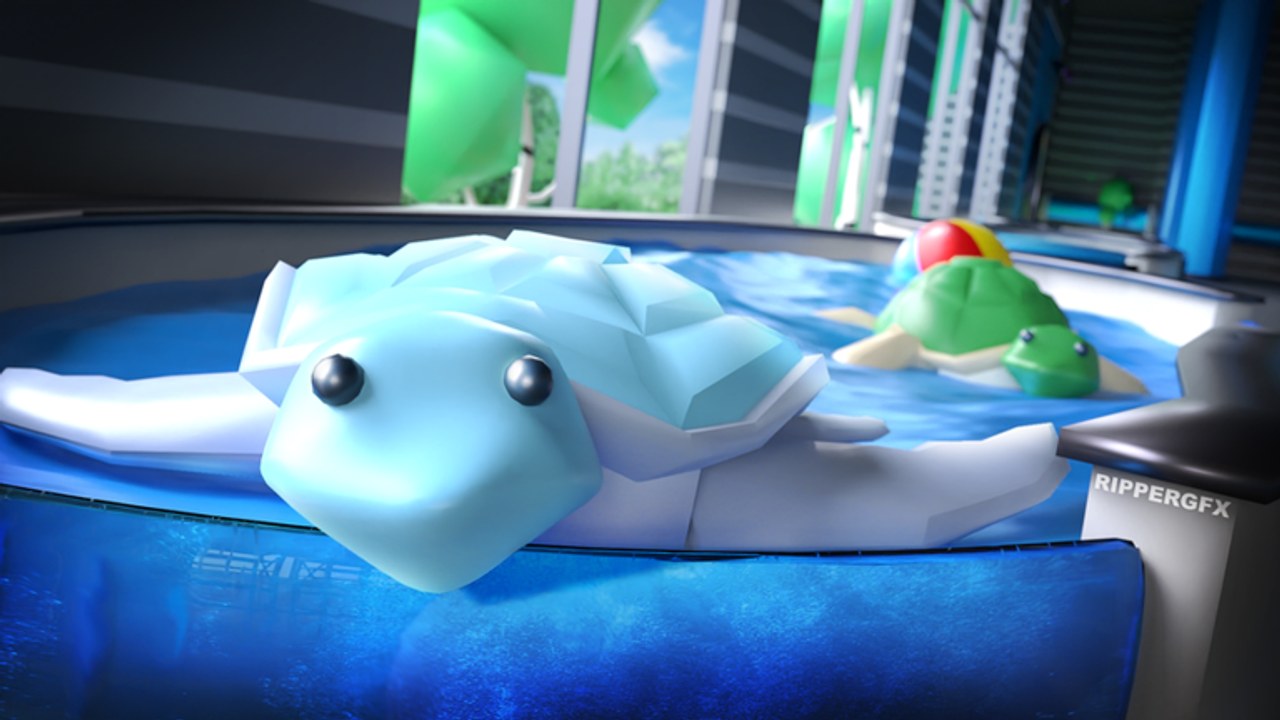
Community showcases feature multi-floor builds: water-pet levels, koala/tropical rooms, turtle unlocks, and decorative paradises. Buttons for these areas appear as you purchase earlier pads—if you cannot see turtles, you are not underleveled in a hidden skill sense; you simply have not bought the required progression yet.
Suggested mindset:
- Unlock one exotic wing
- Stabilize supplies and staff
- Only then climb to the next floor theme
Code FLOOR2 historically marketed floor milestones with free coins when active—another reason to watch the codes hub during expansion pushes.
Map facilities that enable expansion
Food Store
Restocks limited food and related supplies. Without it, bigger stores starve.
Vet
Supports dental/health care flows as your animal count rises. Fold Vet trips into restock routes.
Premium claim point
Not a building on your plot, but a map habit that funds expansion every 10 minutes for Premium players.
Staff is part of the blueprint
Think of staff pads as structural beams:
- Receptionist = more time for floor design
- Guards = protect expensive animals on new floors
- Cleaners / helpers (when available) = less manual mess clearing
A pretty second floor with no guards is a robber buffet.
Build order cheat sheet
- Kennels + supplies
- Yard
- Receptionist + guards
- Auto-care
- Cats
- Floor 2 utility rooms
- Exotic / water wings
- Decor pass and screenshot tour
Redeem coin codes between steps whenever new strings appear. Check updates after Roblox description changes that mention like or favorite goals.
Roleplay vs efficiency
Pet Store Tycoon supports cozy roleplay—friends visiting shops, themed floors, cute screenshots. Efficiency players should still finish Phases 1–3 before heavy decor. Roleplayers can decorate earlier if they accept slower unlocks. Both styles work; just be intentional.
Troubleshooting missing buttons
- Wrong game (sequel vs original)
- Earlier pad not purchased
- Server desync—rejoin
- Standing on someone else’s plot
Controls for clicking pads on PC/mobile are summarized under controls.
After your mega-store
Once multiple floors run smoothly, your remaining goals are polish, friend teaming bonuses, and staying current with codes. Return to the guides hub when a new animal type arrives or when care bugs (sad pets, escapes) reappear after an update.
Expand patiently. The shops that look effortless on YouTube usually hide twenty quiet restock trips and a receptionist hired on time. Copy that discipline and your tycoon will grow into the pet paradise the game promises.
Frequently Asked Questions
Quick answers for Pet Store Tycoon players.
How do I unlock new floors in Pet Store Tycoon?
Earn coins and purchase the progression buttons on your plot. Later floors appear after earlier upgrades are bought.
How do I get turtles or exotic animals?
Progress far enough to reveal exotic area buttons. They stay hidden until prerequisite pads are purchased.
When should I unlock cats?
After dogs, yard, receptionist, and guards are stable, and you have extra dental and food supplies.
What are the Vet and Food Store for?
Map locations that support health/dental care and restock limited food so expanded stores keep running.